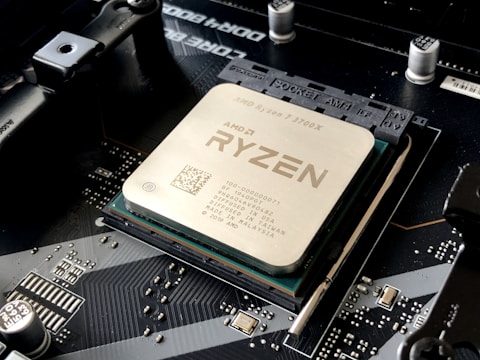
Dell G15 5535 AMD Ryzen 7 7840HS Game Stuttering Fix Windows 11

Dell · G15 5535

Game Stuttering Fix

Windows 11AMD Ryzen 7 7840HSNVIDIA RTX
Dell G15 5535 game stuttering fix Windows 11
1

Plug In and Set Performance Mode

Connect the Dell 240W adapter and open Alienware Command Center or Dell Power Manager, then choose Performance. Gaming on battery throttles the G15 5535 hard, and this single change removes most power-related stutter.

2

Assign the Game to the NVIDIA GPU

Settings → System → Display → Graphics. Add the game executable and set it to High performance so it runs on the NVIDIA GPU rather than the Radeon iGPU, which prevents the stutter caused by GPU switching mid-game.
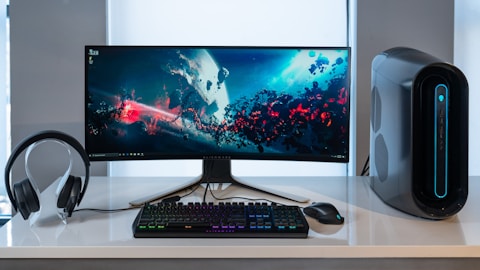
Dell G15 5535 NVIDIA GPU high performance game stuttering fix Windows 11
3

Update the NVIDIA Game Ready Driver

Install the latest NVIDIA Game Ready driver from Dell Support for G15 5535 or via GeForce Experience. Driver updates frequently fix frame pacing and stutter issues in specific titles on the RTX laptop GPU.

4

Close Background Apps and Enable VSync

Close browsers and overlays, then enable VSync or cap the frame rate slightly below the display refresh rate. A frame cap gives the G15 5535 consistent frame pacing and removes the micro-stutter from frames arriving unevenly.

“Plugging in the charger and assigning the game to the NVIDIA GPU stopped the stutter on my G15 5535 completely.” — Faizal, Sungai Petani

Dell G15 5535 NVIDIA Game Ready driver update stutter fix Windows 11
About the Author
Ryan holds a Computer Science degree and has spent over 15 years troubleshooting Windows hardware and driver issues across major laptop brands. He writes practical, step-by-step guides for everyday users at softwaredriverdownload.com.

Frequently Asked Questions

Why does my Dell G15 5535 stutter in games?

Game stuttering on the Dell G15 5535 often comes from the laptop running in a quiet thermal mode, the NVIDIA GPU not being selected for the game, background apps using the CPU, or an outdated NVIDIA driver. The result is brief freezes even when the average frame rate looks fine.

How do I stop stuttering on Dell G15 5535?

Set Alienware Command Center or Dell power to Performance, assign the game to the NVIDIA GPU in Windows Graphics settings, and update the NVIDIA Game Ready driver from Dell or GeForce Experience. Plug in the charger, as battery power limits the GPU and causes stutter.

Does the G15 5535 stutter on battery power?

Yes. On battery, the Dell G15 5535 limits CPU and GPU power to save energy, which causes noticeable stutter in games. Always game with the 240W adapter connected so the Ryzen 7 7840HS and NVIDIA GPU can run at full power.

Can shader compilation cause G15 5535 stutter?

Yes. Many modern games stutter the first time you play a level while shaders compile. This usually smooths out after a few minutes. Keeping the NVIDIA driver current and not clearing the shader cache repeatedly reduces this first-run stutter.


Posted

in

by

Tags:

Comments

Leave a Reply

Your email address will not be published. Required fields are marked *