Detachable Keyboard Not Recognized Fix
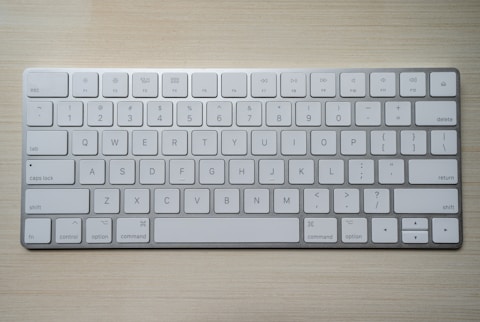
Reseat the Keyboard Cover
Pull the cover off and press it back on firmly until the pogo pins click into place. A slightly misaligned magnet connection is the most common reason the ROG Flow Z13 keyboard is not recognised. Make sure it sits flat with no gap.
Clean the Pogo Pin Contacts
Wipe the gold contact strip on the tablet edge and the matching pads on the keyboard with a dry microfibre cloth. Dust or fingerprints on these contacts break the connection. Avoid liquids, which can leave residue on the pins.

Reinstall the Keyboard Driver and Armoury Crate
Download the keyboard driver and Armoury Crate from the ASUS ROG Flow Z13 GZ301 support page. In Device Manager, uninstall the keyboard entry, then install the ASUS package and restart to restore full detection.
Update BIOS and Embedded Controller
Open MyASUS or Armoury Crate and install BIOS and EC firmware updates for the ROG Flow Z13 GZ301. These updates improve how the tablet detects the detachable keyboard when it is attached or reattached.
“Cleaning the pogo pin contacts and reseating the cover fixed the unrecognised keyboard on my ROG Flow Z13 straight away.” — Hakim, Shah Alam

Ryan holds a Computer Science degree and has spent over 15 years troubleshooting Windows hardware and driver issues across major laptop brands. He writes practical, step-by-step guides for everyday users at softwaredriverdownload.com.
Leave a Reply