ASUS · ROG Strix Scar 18 G834 · Windows 11
Keyboard Lighting Stuck Fix
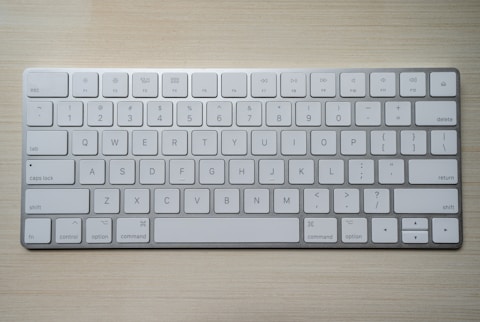
The per-key RGB on the ASUS ROG Strix Scar 18 G834 is frozen on one color or refuses to change. The Intel Core i9 14900HX gaming laptop drives its Aura lighting through Armoury Crate, and a crashed Aura service or a corrupt Armoury Crate install is almost always the cause.

Fix 1 — Restart the Lighting Services
- Press Windows + R, type services.msc
- Find LightingService and Armoury Crate Service
- Right-click each → Restart
- Open Armoury Crate and set the Aura effect again
Fix 2 — Clean Reinstall Armoury Crate
Download the Armoury Crate Uninstall Tool from the ASUS ROG Strix Scar 18 G834 page, run it, and restart. Then install the latest Armoury Crate. A clean install rebuilds the Aura lighting stack and clears the stuck effect.
Fix 3 — Update Lighting and Chipset Drivers
Install the latest ASUS system control interface and chipset drivers for the G834 from the support page. These underpin Aura Sync, and an outdated version can leave the keyboard RGB frozen even with Armoury Crate working.
“Restarting the LightingService unfroze the RGB on my ROG Strix Scar 18 instantly. A full Armoury Crate reinstall kept it stable.” — Firdaus, Shah Alam
Ryan holds a Computer Science degree and has spent over 15 years troubleshooting Windows hardware and driver issues across major laptop brands. He writes practical, step-by-step guides for everyday users at softwaredriverdownload.com.
Leave a Reply